
Midnight Keys
00:00 / 03:29
MIDI Transcription
Loading MIDI preview...
 MusicBento
Convert audio into an editable MIDI transcription.
00:00 / 03:29
MIDI Transcription

00:00 / 04:15
MIDI Transcription
Add an audio file, record a performance, or choose a song from My Music, then convert detected notes into MIDI you can download or edit.
Upload supported audio, record with your microphone, or choose an eligible song already saved in My Music.
Start the browser-based converter and let Basic Pitch analyze the audio, detect notes, and prepare a MIDI transcription.
Review the note count, download the MIDI file, or open the draft in MusicBento's Piano Roll editor.
Turn recordings and songs into practical MIDI drafts without sending audio to an AI provider. MusicBento combines upload, microphone recording, My Music selection, browser-based note detection, local history, direct MIDI downloads, and a full Piano Roll editing path.
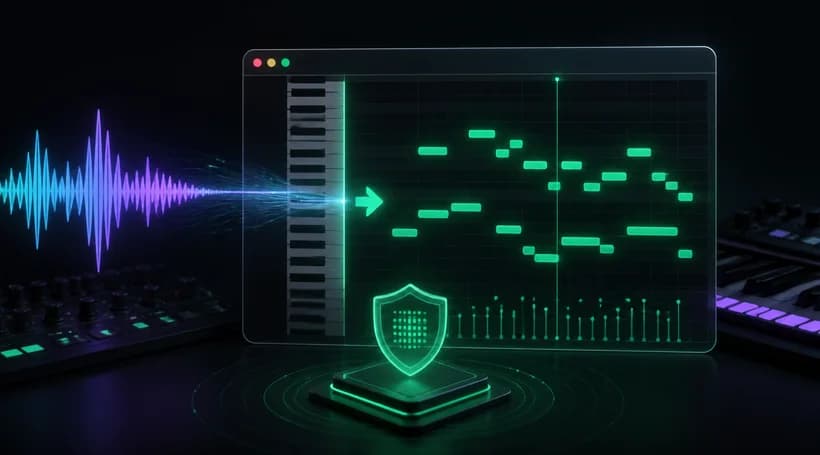
MusicBento runs the Basic Pitch model through browser WebGL, turning detected pitches and timing into a standard MIDI draft. Your uploaded or recorded audio is analyzed locally instead of being sent to an external AI provider, and conversion uses no MusicBento Credits.
Upload an MP3, WAV, OGG, M4A, AAC, or FLAC file, capture a new microphone recording, or select an eligible song from My Music after signing in. Inputs can be up to 100 MB and no longer than 8 minutes.
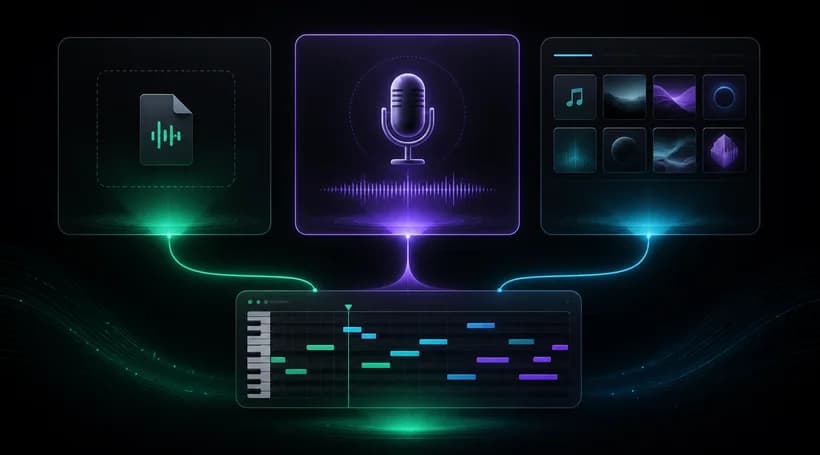
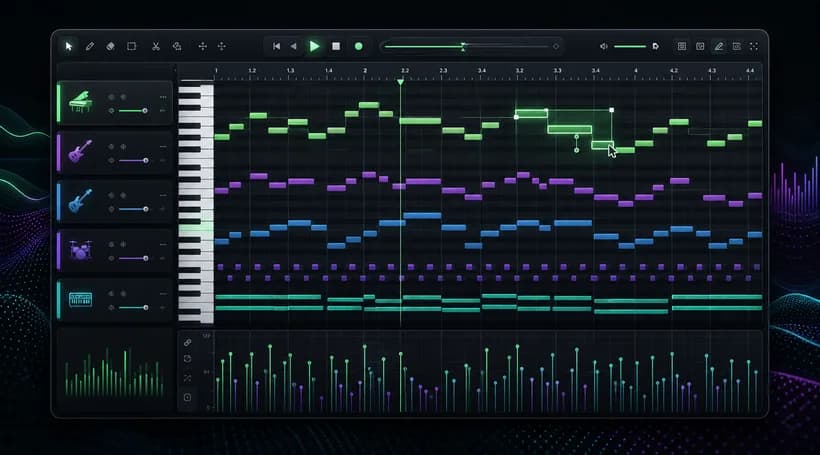
After transcription, MusicBento creates a MIDI project with detected note pitches, timing, duration, and velocity. Open it in the integrated Piano Roll editor to refine notes, adjust tracks and instruments, play the arrangement, and continue shaping the performance.
Successful conversions stay in this browser until you delete them or older drafts are replaced when local History reaches its limit. Their title, note count, size, and creation time remain available for direct MIDI downloads or reopening in the editor.
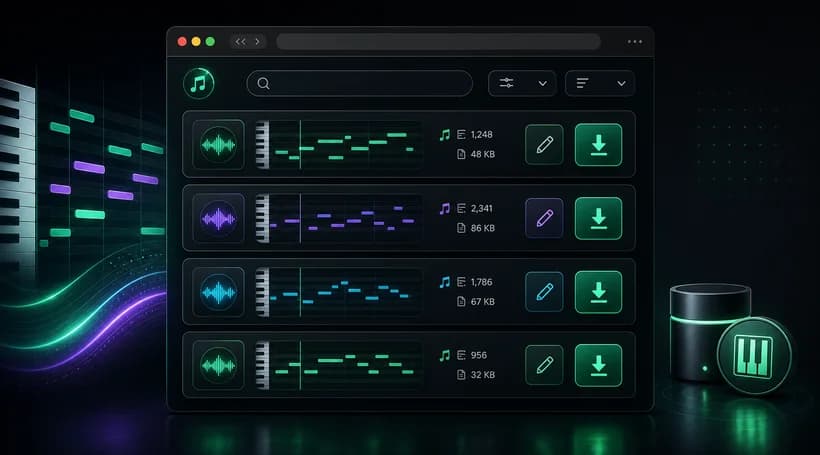
Uploading or recording audio can be converted without signing in, and browser-local conversion does not consume MusicBento Credits. An account is only required when you choose a source from My Music, because that library is tied to your MusicBento profile.
The uploader accepts MP3, WAV, OGG, M4A, AAC, and FLAC files up to 100 MB. Audio can be no longer than 8 minutes, while microphone recordings are accepted through the built-in recording flow before local conversion begins.
For uploaded files and microphone recordings, note detection runs locally in your browser with the Basic Pitch model and WebGL. The audio is not sent to an external AI provider, although choosing My Music requires downloading that stored song to your browser.
Clear recordings with one instrument or singing voice usually produce the most useful transcription. Reduce background noise, reverb, and overlapping parts where possible; dense full mixes may create extra, missing, or inaccurate notes that need editing afterward.
Each successful conversion creates a standard MIDI draft containing detected pitch, timing, duration, and velocity information. It does not reproduce the original vocal tone or instrument sound; MIDI stores performance instructions that can drive instruments in compatible software.
Choose Open in MIDI Editor from History to continue in MusicBento's Piano Roll. You can inspect and move notes, work with tracks and instruments, play the project, and save the updated local draft before exporting it again.
Completed MIDI drafts are stored in IndexedDB on the current browser without a time-based expiration. They are not synchronized as cloud assets, so clearing site data, using another browser or device, or older drafts being replaced when local History is full can make them unavailable.
Use the visible download action in History to save a standard .mid file directly to your device. MIDI files can be opened in compatible music software, but playback sounds depend on the instruments and settings used by that software.
Add a recording or song, convert its detected notes into MIDI locally, then download the file or continue refining the draft in MusicBento's Piano Roll.