AI Music Extender
Extend your songs with AI-generated music.
 MusicBento
Extend your songs with AI-generated music.
Choose a source song, set its continuation point, guide the next section, then generate and review an AI extension inside your MusicBento workspace in three steps.
Upload or record audio, or choose an eligible track from My Music, then mark where the extension should begin.
Use Simple mode for a short direction, or Custom mode to shape lyrics, style, vocals, and audio influence.
Start the extension, follow its progress, then preview the completed songs and manage them in your MusicBento workspace.
Continue unfinished ideas without rebuilding the song from scratch. MusicBento combines flexible audio sources, waveform-based continuation timing, Simple and Custom guidance, model-aware controls, Persona support, progress tracking, and workspace organization in one focused AI music extension workflow.
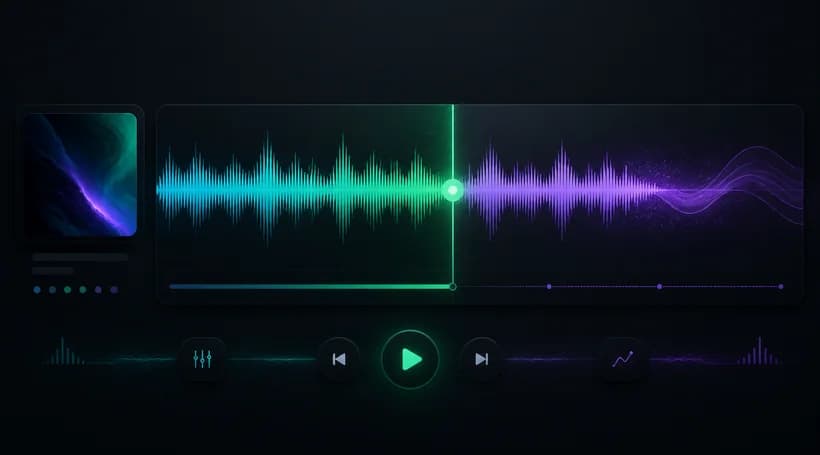
Upload a supported audio file, record a new idea, or select an eligible song from My Music. The source appears with playback and a waveform, so you can place the continuation marker anywhere after the opening and before the track ends.
Choose Simple mode when a concise direction is enough, or switch to Custom for precise creative guidance. Add extension lyrics and style, make the result instrumental, select a Persona or vocal gender, exclude unwanted styles, and balance source influence against new ideas.
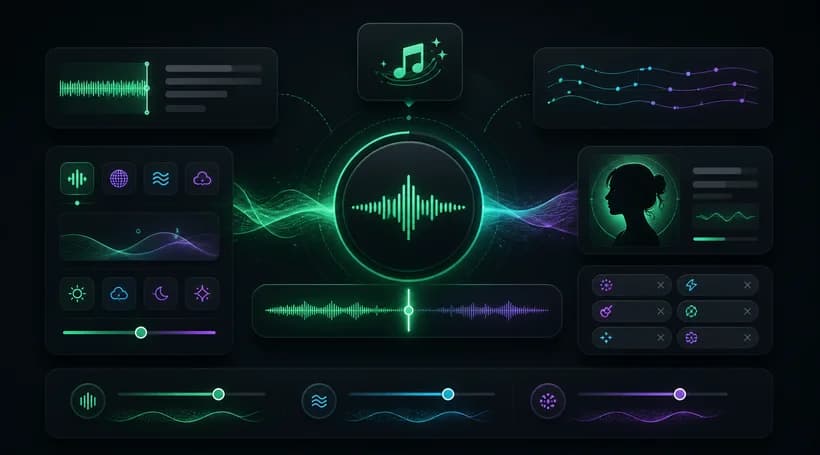

MusicBento sends the chosen song, continuation point, and creative settings as one extension request. The generated continuation follows the source audio while developing a new section, letting vocal tracks keep lyrics or instrumental tracks continue without words naturally.
Custom mode lets you choose a workspace before generating, while Simple mode uses your default workspace. Watch the extension appear as its task progresses, then preview and organize songs alongside other tracks while keeping each continuation connected to its source title and project.
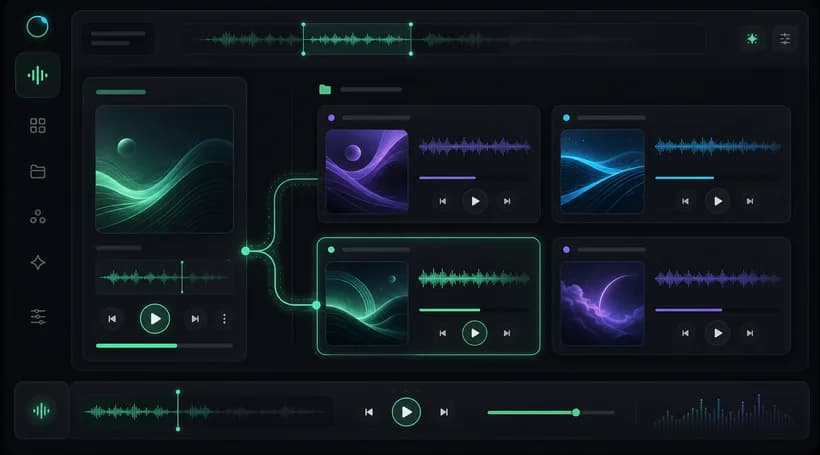
AI Music Extender creates a new musical section after a point you choose in an existing song. It uses the source audio and your guidance to continue the arrangement, while keeping the original track available and saving generated results separately.
You can upload a supported audio file, record audio with your microphone, or choose an eligible song from My Music. Uploaded and recorded sources appear in the same preview flow, while My Music selection requires access to your account library.
Use the source waveform or time control to choose where the new section begins. The point must be later than the start and earlier than the source duration, so the extender always receives valid audio before its continuation marker.
Simple mode accepts a concise optional direction for the continuation. Custom mode exposes lyrics, style, title, instrumental, vocal gender, excluded styles, Persona, creativity controls, and Audio Influence, giving you more ways to shape how closely the new section follows the source.
Yes. In Custom mode, enable Instrumental to continue without lyrics, or keep vocals enabled and provide lyrics for the next section. You can also describe the musical style and vocal direction so the generated continuation matches your creative goal.
No. The selected or uploaded song remains the source for the extension request, and MusicBento creates new generated results instead of editing the original audio file in place. You can keep comparing the source with each completed continuation afterward.
You can prepare the source and settings before signing in, but starting an extension requires an account. AI music extensions use MusicBento Credits, and the current cost and available model access are shown in the generator before you submit.
After submission, the task appears in the relevant workspace while MusicBento tracks its progress. Completed songs join your other workspace results, where you can preview and organize them using the same music management flow available to generated tracks.
Choose the moment where your track should continue, add as much or as little creative direction as you want, and generate a new AI-powered musical section.