
 MusicBento
Choose a source song, preview the voice you want, then use the AI song cover generator to shape the vocal tone and create a polished new version.
Upload a supported audio file or choose an eligible track from My Music as the source for your cover.
Browse available voice models, listen to previews, and select the voice that best suits the song and your idea.
Adjust vocal balance, instrumental level, reverb, pitch, and similarity, then generate the cover and compare it with the original.
Explore an AI song cover generator built to help you choose a voice, transform source audio, shape the mix, and manage finished covers. MusicBento keeps the creative workflow clear from the first preview to the final comparison.
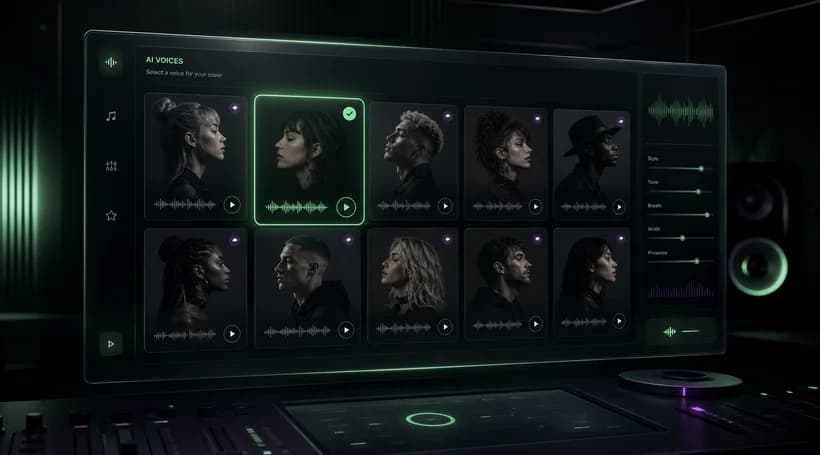
Browse available preset voice models and filter the list by music, celebrity, anime, game, or cartoon categories, then preview each voice before you choose. If you trained a custom voice model, you can also use it for a personal AI song cover.
Upload an MP3, WAV, OGG, M4A, AAC, or FLAC file, or select an eligible track already saved in My Music. The AI song cover generator keeps the source title connected to your task, so setup stays clear from selection through the finished result.
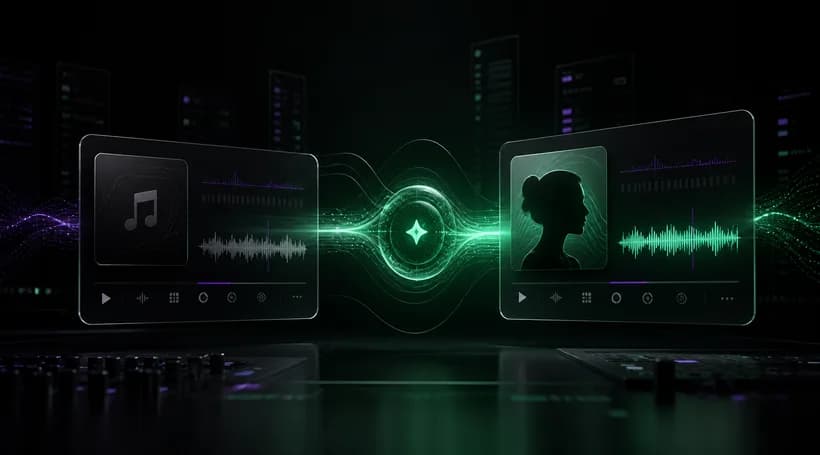
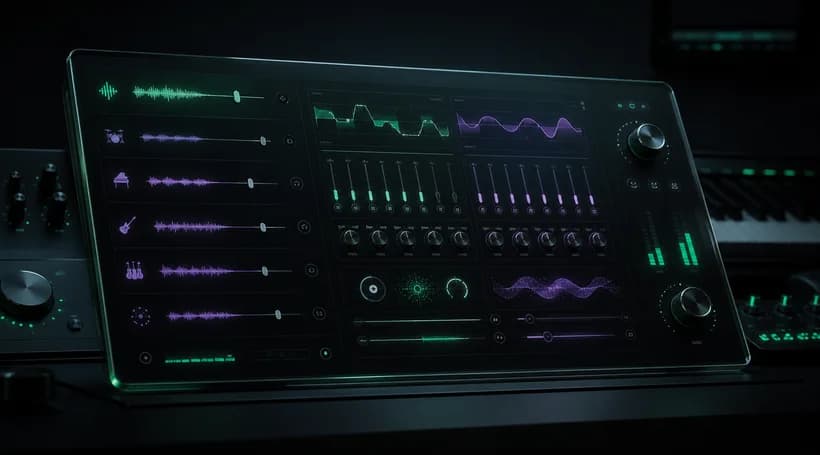
Shape the result with focused controls for main vocals, instrumental balance, reverb, pitch, breathiness preservation, and voice similarity. Start from sensible defaults, make small adjustments for the source and selected model, then create another version without rebuilding the setup.
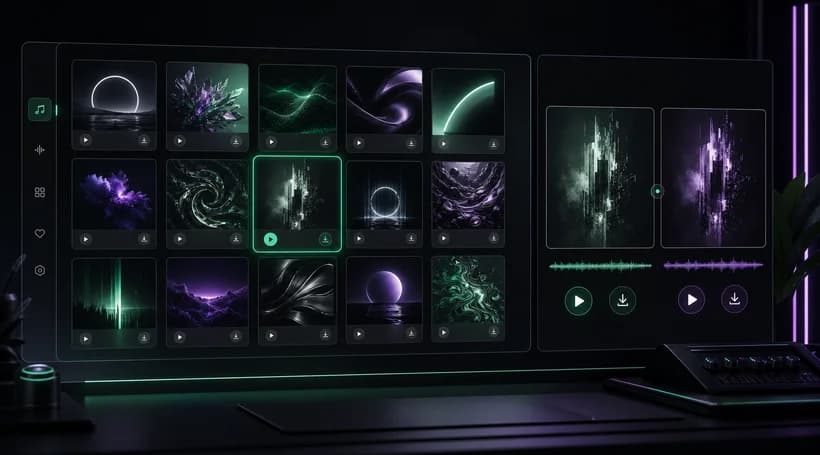
Keep recent AI voice covers together in My Covers, search or sort the list, and return to finished results when you need them. Play the cover, compare it with the original source, react to it, or download an available audio version.
You can explore the page and listen to the public before-and-after examples without signing in. Creating your own AI song cover requires an account and currently costs 10 Credits for each generation, so your available balance must cover the request.
Song Cover uses the shared music uploader, which accepts MP3, WAV, OGG, M4A, AAC, and FLAC files up to 100 MB. Source audio must be at least 3 seconds long and no longer than 8 minutes before it can be submitted.
Yes. After signing in, choose From My Music to browse eligible tracks already stored in your library. Selecting a saved track avoids another upload and keeps the source connected to the cover task, while ownership and eligibility are checked on the server.
You can preview the preset voices currently available in the voice browser and filter them by category. Ready custom voice models from your account also appear under My Voice, but using a custom model requires the plan access shown in the product.
You can control the main vocal level, instrumental level, reverb, song pitch, breathiness preservation, and voice similarity before submitting. These settings let you balance the new voice against the backing track and tune the character of the result for your source.
Generation time varies with the source length and current processing load, so there is no fixed completion time. Once the task starts, it appears in My Covers with its current status, and the page can recover the finished or failed result later.
Yes. Finished results include a comparison view that lets you switch between the original source and the AI cover, play either version, and seek through playback. This makes it easier to judge the voice change, balance, and overall match before downloading.
Use only audio and voice material you have the right or permission to use. The tool does not grant rights to copyrighted songs, performances, celebrity identities, or trained voice data, so you remain responsible for permissions and for how you publish or share each cover.
Choose a song, preview a voice, and use the AI song cover generator to create a fresh vocal version you can compare, refine, and revisit in My Covers.


