Midnight Echo
00:00 / 3:29Click or drag waveform to seek. Use M/S to mute or solo.
 MusicBento
Choose a source song, let the AI vocal remover separate its voice and backing track, then preview, balance, and download the results you need.
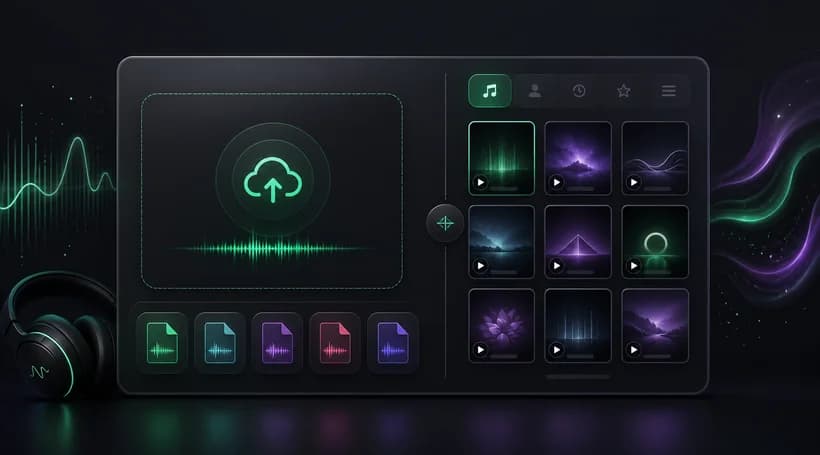
Upload a supported audio file or choose an eligible track from My Music as the source for vocal removal.
Start the 4-Credit task and let the AI vocal remover create independent vocals and instrumental tracks in the background.
Play each separated track, adjust its balance if needed, then download individual stems or both results in your preferred format.
Explore an AI vocal remover built to separate a finished song into clean vocal and instrumental tracks. MusicBento combines flexible source selection, background processing, waveform playback, stem controls, and downloads in one focused workflow.
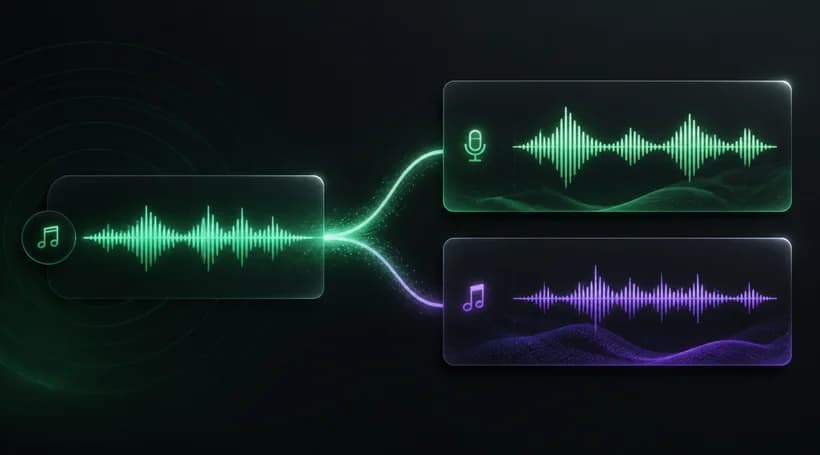
Turn one finished song into two useful tracks: isolated vocals and a separate instrumental. The AI vocal remover processes the source in the background and keeps both outputs connected to the same result, making later comparison and reuse straightforward.
Upload an MP3, WAV, OGG, M4A, AAC, or FLAC file, or select an eligible song already stored in My Music. Sources can run from 3 seconds to 8 minutes, while server checks protect ownership and valid audio requirements before processing.
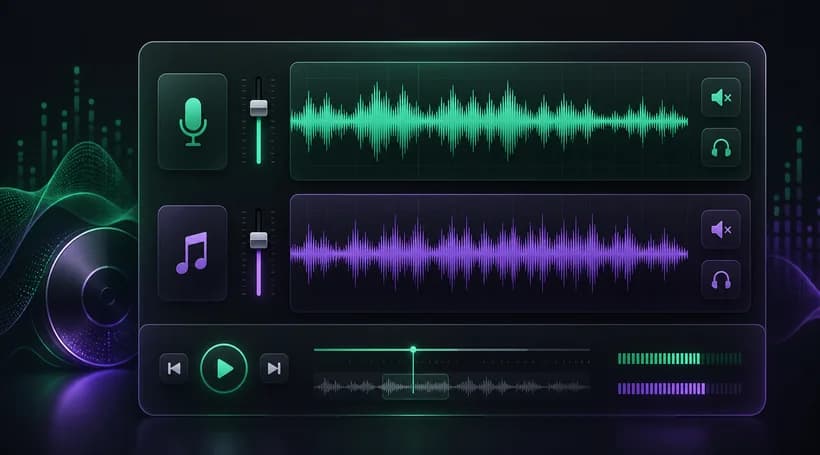
Open the result to preview real vocal and instrumental waveforms, seek through playback, and compare both outputs. Adjust track gain from minus 12 to plus 6 decibels, use Mute or Solo, and hear the combined mix before downloading your tracks.
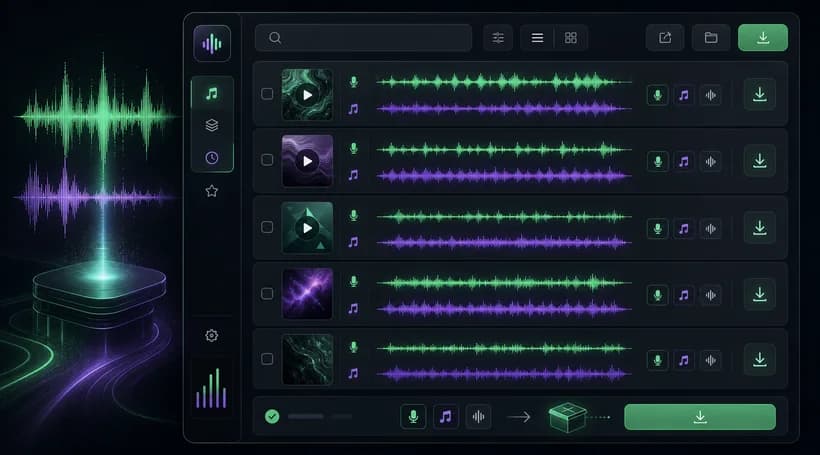
Keep recent vocal removal tasks together in the results list, search or sort completed work, and return to previous separations later. Download the vocal, instrumental, or both tracks as MP3 or WAV when your current plan allows music downloads.
You can explore the public before-and-after examples without signing in. Removing vocals from your own song requires an account and currently costs 4 Credits for each task, so your available balance must cover the request before separation begins.
The uploader accepts MP3, WAV, OGG, M4A, AAC, and FLAC files up to 100 MB. Source audio must be at least 3 seconds long and no more than 8 minutes, and invalid or unsupported files are rejected before processing.
Yes. After signing in, choose From My Music to browse eligible songs already saved in your library. Selecting a stored track avoids another upload and keeps the source linked to the separation task, while ownership and eligibility remain server-validated.
Each successful task creates two tracks: a vocal stem and a separate instrumental stem. You can play either track on its own, seek through the waveform, or listen with both enabled to compare the separated result against the original song.
Open a completed result to control each stem independently. Gain can be adjusted from minus 12 to plus 6 decibels, while Mute and Solo make it easier to inspect the vocal, instrumental, or combined playback before downloading.
Processing time varies with the source length and current provider load, so there is no fixed completion time. Once started, the task appears in your results with its current status and can finish in the background while you leave the page.
Completed stems can be downloaded individually or together, with MP3 and WAV options available in the result dialog. Music download access follows the current account plan, so the interface may ask you to upgrade before starting a protected download.
Use only songs and recordings you own or have permission to process. Vocal removal does not grant copyright, distribution, sampling, karaoke, remix, or commercial rights, so you remain responsible for the source material and for how every separated track is used.
Choose a song, remove its vocals, and get separate vocal and instrumental tracks you can preview, balance, and download for your next creative workflow in minutes.