
 MusicBento
Note: Min 1min, Max 30min, Recommend 10min.
Collect clean singing from one voice, review the total duration, then start private background training and return to My Voices when the custom model is ready.
Upload files, record a clean performance, or separate vocals from a song to collect clips from the same singer.
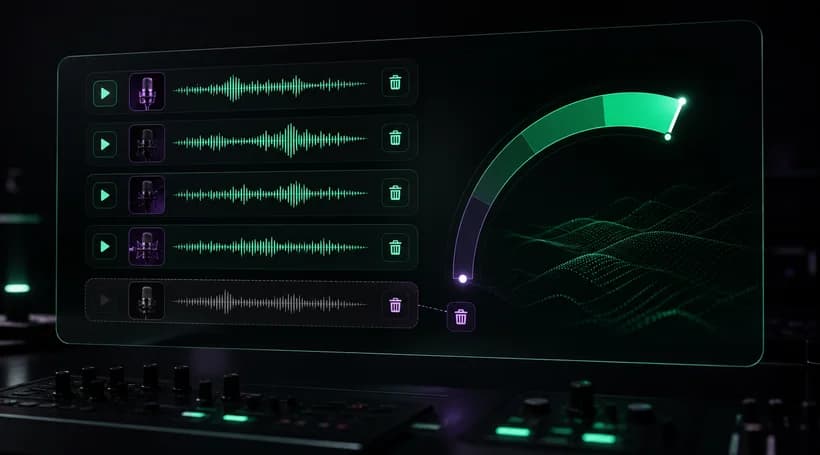
Play each clip, remove poor takes, and build between 1 and 30 minutes of clean singing, with 10 minutes recommended.
Add a voice name, gender, and optional image, then start training and monitor progress until the model is ready.
Explore an AI singing voice generator designed to turn clean vocal recordings into a reusable private custom voice model. MusicBento brings audio collection, quality checks, background training, and My Voices together in one focused workflow.
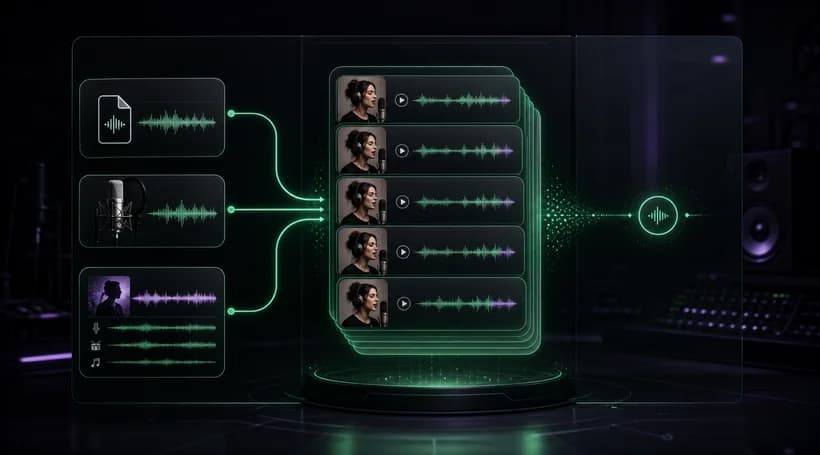
Build a training set by uploading supported audio files, recording clean singing in your browser, or separating vocals from an eligible song in My Music. Combine multiple clips from the same singer while the workspace tracks each source and its current status.
Review every training clip, play it back, remove weak takes, and retry failed vocal separation before submission. The duration meter keeps the combined dataset between 1 and 30 minutes and highlights the recommended 10-minute quality target for more consistent results.
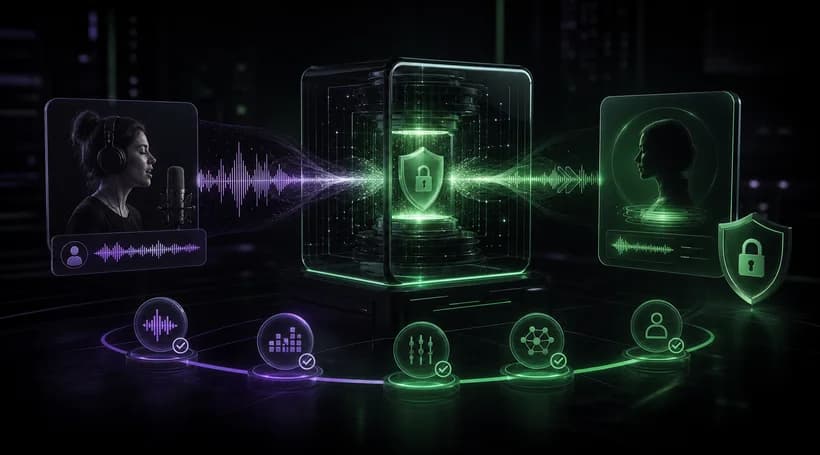
Name the voice, choose its gender, add an optional image, and confirm the training task when the dataset is ready. Training continues in the background after submission, so you can leave the page and return later to check progress in My Voices.
Keep completed custom models organized in My Voices with search, sorting, status, and deletion controls. When a model is ready, choose Generate Music to open the AI Song Cover Generator with that voice prepared for selection, then create covers from your source songs.
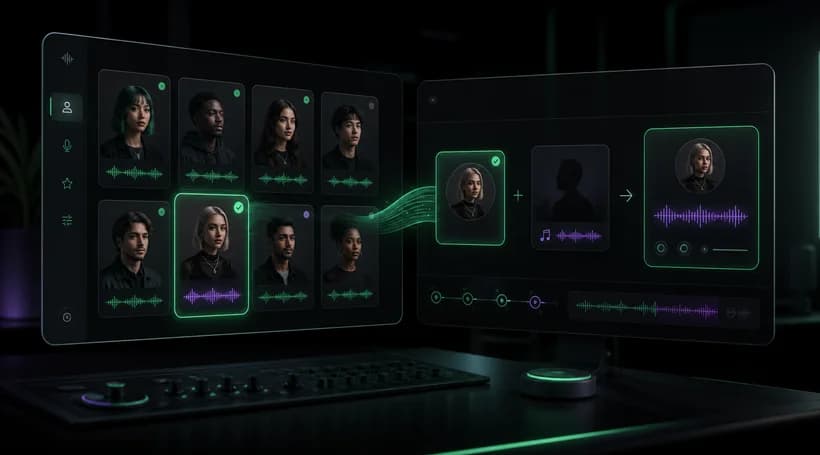
Custom singing voice training requires the Pro plan and currently uses 75 Credits for each training task. If you use Separate Vocals to prepare a song first, that separation is a separate 4-Credit task, so confirm both plan access and balance before starting.
You can upload existing audio, record clean singing through your browser microphone, or run Separate Vocals on an eligible song from My Music. Multiple clips can be combined in one training set, but every clip should feature the same singer.
The shared music uploader accepts MP3, WAV, OGG, M4A, AAC, and FLAC files, with the existing 100 MB limit for each uploaded file. Recordings and separated-vocal clips are added through their own guided flows, so unsupported files are rejected before training.
The combined training set must contain at least 1 minute and no more than 30 minutes of clean singing. The workspace recommends around 10 minutes or more for stronger training quality and shows a duration meter as you add or remove clips.
Use clear, mostly isolated singing with minimal background music, doubled vocals, noise, clipping, or heavy effects. Keep every clip from the same voice, include steady vowels and varied notes, and remove weak takes before submission so the model receives consistent material.
Training time varies with dataset length and current processing load, so there is no fixed completion time. After submission, the task continues in the background and appears in My Voices with its current stage, allowing you to leave and check it later.
Training datasets and model files use the private voice-training storage path, and finished models appear in My Voices for the owning account. When a model is ready, its Generate Music action opens Song Cover with that custom voice prepared for selection.
Train only your own voice or a voice you have explicit permission to use. The tool does not grant consent, publicity, copyright, or commercial rights for another singer’s recordings or identity, so you remain responsible for the material and every resulting cover.
Collect clean singing, build a focused training set, and start a private custom voice model you can manage in My Voices and use for future AI song covers.


